Video Guides
Explore our complete library of video tutorials organized by category.

Sales Performance by Store (List)
Create a list view to analyze sales performance by branch.

Sales Analysis by Product (Crosstab)
Add analytical perspectives using crosstab pivot views.

Sales Trend by Period (Chart)
Visualize sales trends with interactive chart components.

Sales Analysis by Period (i-META)
Month-on-month, year-on-year, and YTD comparisons.

i-META File Creation
Generate metadata files using the i-META Designer tool.

Performance by Product
Build a product performance dashboard with standard report tools.

Sales Performance Report
Create comprehensive sales performance reports.

Sales Status (Crosstab)
Crosstab-style sales status analysis report.

Sales by Customer
Analyze sales data segmented by customer.
Customer Info Management
Build a customer information management input screen.

Sales Plan Input
Create sales plan input forms with crosstab layout.

Sales Performance by Customer
Customer-segmented performance data entry and analysis.
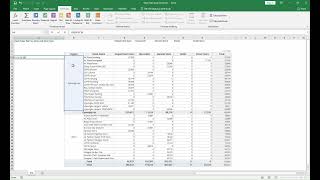
EPA Module Overview
Introduction to the Excel Process Automation module.
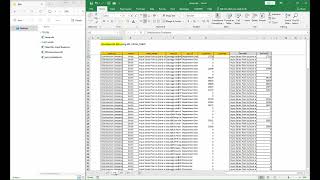
EPA Module Practice
Hands-on practice with EPA automation workflows.
Interactive Guides
Follow along with step-by-step visual guides to learn EPA features hands-on.
Back to Video Guides